How to use the Random Item Wheel
The Random Item Wheel picks one item from your own list. Here's how to swap the examples for your items and work through them.
Quick start
- Replace the example items with your own: paste a whole list at once.
- Spin. One item is chosen at random.
- Remove & spin again to pick the next one.
- Click any item to edit it.
Replace the examples
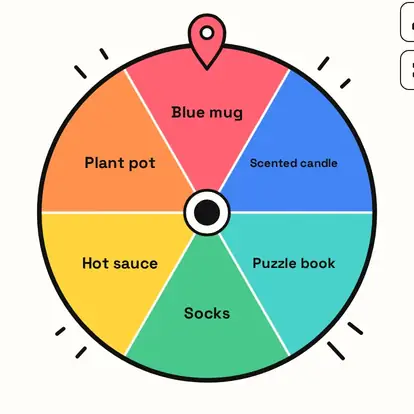
The wheel starts with six placeholder items. Clear them from the list menu, then paste your own, one per line: prizes in a box, things to pack, gift-swap items, anything.


Your items on the wheel
Each item gets a slice and the same chance. Your list is saved on this device for next time.
Pick, then remove
The result card shows the item. Remove & spin again takes it off and picks the next, which is perfect for handing out prizes or deciding an order.

Great for
- Deciding what to pack or use
- Choosing a prize from a box
- Picking what to declutter
- Choosing a game piece or card
- Random gift-swap items
- Lucky dip at events
Customize everything else
This page uses the same wheel as the homepage, so all the usual options work here too. The full wheel guide explains each one with pictures:
FAQ
How do I add my own items?
Paste them, one per line, or type them one at a time.
Can I remove the examples?
Yes. Clear the list or remove them one by one.
Can I avoid picking the same item twice?
Yes. Use Remove & spin again.
Is my list saved?
Yes, on this device, until you change it.