How to use the Day Wheel
The Day Wheel picks a random day of the week. Here's how to narrow it down and use the result.
Quick start
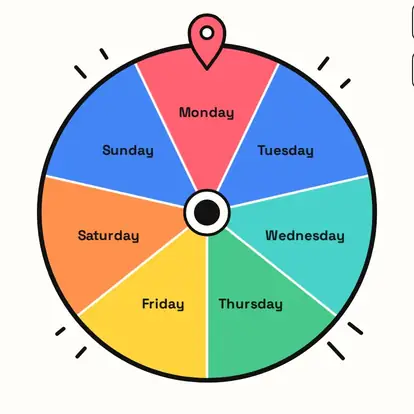
- The wheel holds all seven days, Monday to Sunday.
- Spin to land on one day.
- Use it to plan, schedule or decide.
- Remove days that don't work for you, like busy weekdays.
Seven days, equal chances
The wheel holds Monday to Sunday, one slice each, so every day has a one-in-seven chance.
Weekdays only (or any days you like)
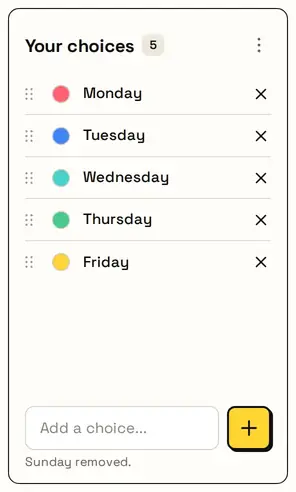
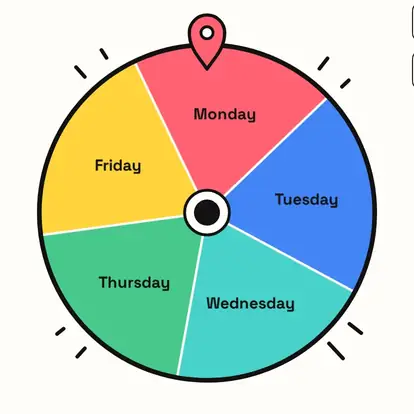
Remove the days that don't work, for example Saturday and Sunday for weekdays only, and the wheel spins between the rest. Reset brings all seven back.
Click a day to rename it, for example to another language for a class.
Your day
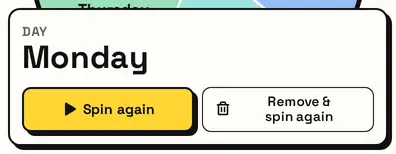
The result card shows the day. Remove & spin again takes it off, which is handy for assigning different days to different chores or people.
Great for
- Choosing a day for plans
- Scheduling chores or workouts
- Picking a theme day
- Deciding a meeting day
- Classroom calendar games
- Random challenge days
Customize everything else
This page uses the same wheel as the homepage, so all the usual options work here too. The full wheel guide explains each one with pictures:
FAQ
Can I spin only weekdays?
Yes. Remove Saturday and Sunday from the list.
Is every day equally likely?
Yes, each has a one-in-seven chance.
Can I rename the days?
Yes. Click a day to edit it, for example to another language.
What is a day wheel for?
Picking a day for plans, routines, games and challenges.